Storyboard Illustrator: AI-Generated Visuals with Consistency

You've written the perfect storyboard. The content is approved, the stakeholders are happy, and now you need visuals. Time to open a stock photo site and spend the next three hours searching for images that sort of match what you described—and hoping they look consistent together.
Sound familiar?
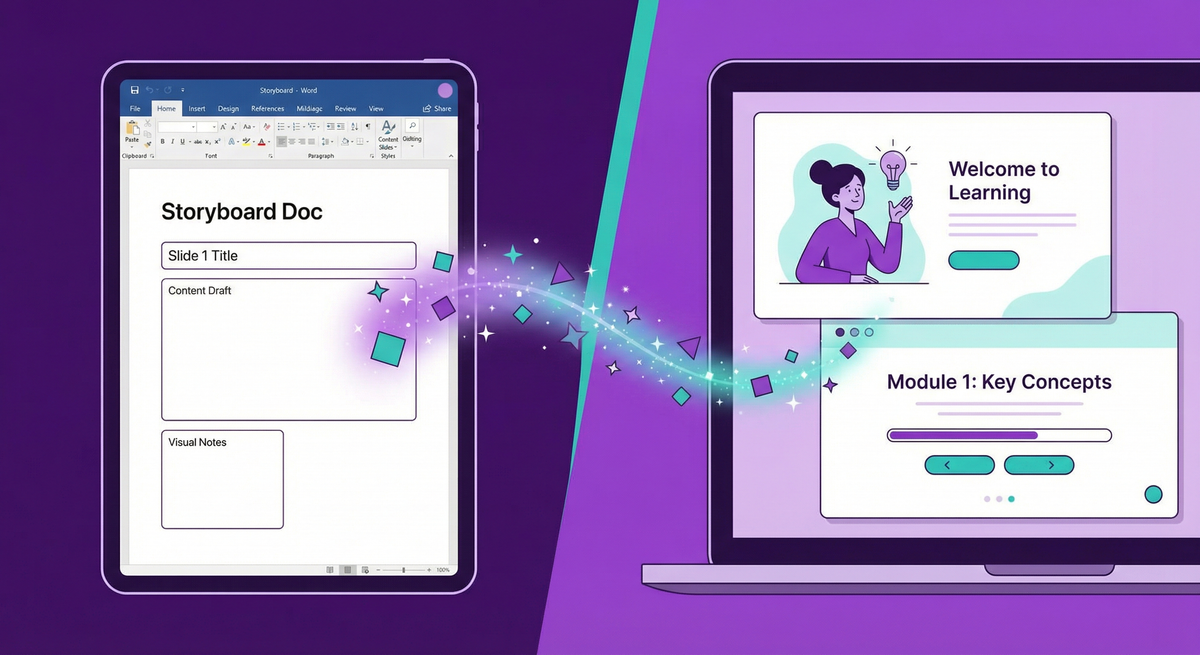
Storyboard Illustrator changes this entirely. Upload your storyboard, and AI generates custom images that match your scenes—with visual consistency across every slide.
How It Works
The process is simple:
- Upload your storyboard — Drop in your Word doc with scene descriptions
- AI analyzes the content — It identifies recurring characters, locations, and objects
- Generate reference assets — Create consistent base images for characters and settings
- Generate slide images — Each scene uses your references for visual consistency
- Export — Download illustrated slides or inject images back into your document
The Consistency Problem (Solved)
Generic AI image tools have a fundamental problem: generate the same character twice, and you'll get two different people. That doesn't work for eLearning where "Sarah the manager" needs to look like the same person across 15 slides.
Storyboard Illustrator solves this by:
- Automatically identifying recurring elements in your storyboard
- Creating reference images for each character, location, and key object
- Using those references when generating every slide
The result: cohesive visuals that look like they belong together.
Character Pose Packs
Need a character in multiple poses and expressions? Our Character Pose Pack feature generates 5, 10, or 15 variations of any character—different angles, emotions, and backgrounds—all visually consistent.
Perfect for:
- Scenario-based training with recurring characters
- Soft skills courses showing emotional range
- Compliance training with consistent cast
- Any course where characters matter
Style Choices
Choose between:
- Illustration — Clean, professional vector-style graphics
- Photorealistic — AI-generated realistic imagery
Both styles maintain consistency across your entire project.
Pricing
Storyboard Illustrator uses our Spark credit system:
- Document analysis: 10 Sparks
- Asset reference image: 15 Sparks
- Slide image: 30 Sparks
A typical 10-slide storyboard with 4 recurring assets costs around 370 Sparks—roughly $3.70.
Try It
Storyboard Illustrator is available now in AI Media Studio. Upload a storyboard and see for yourself how much time you can save on visual development.
Stop searching stock photos. Start illustrating your storyboards.